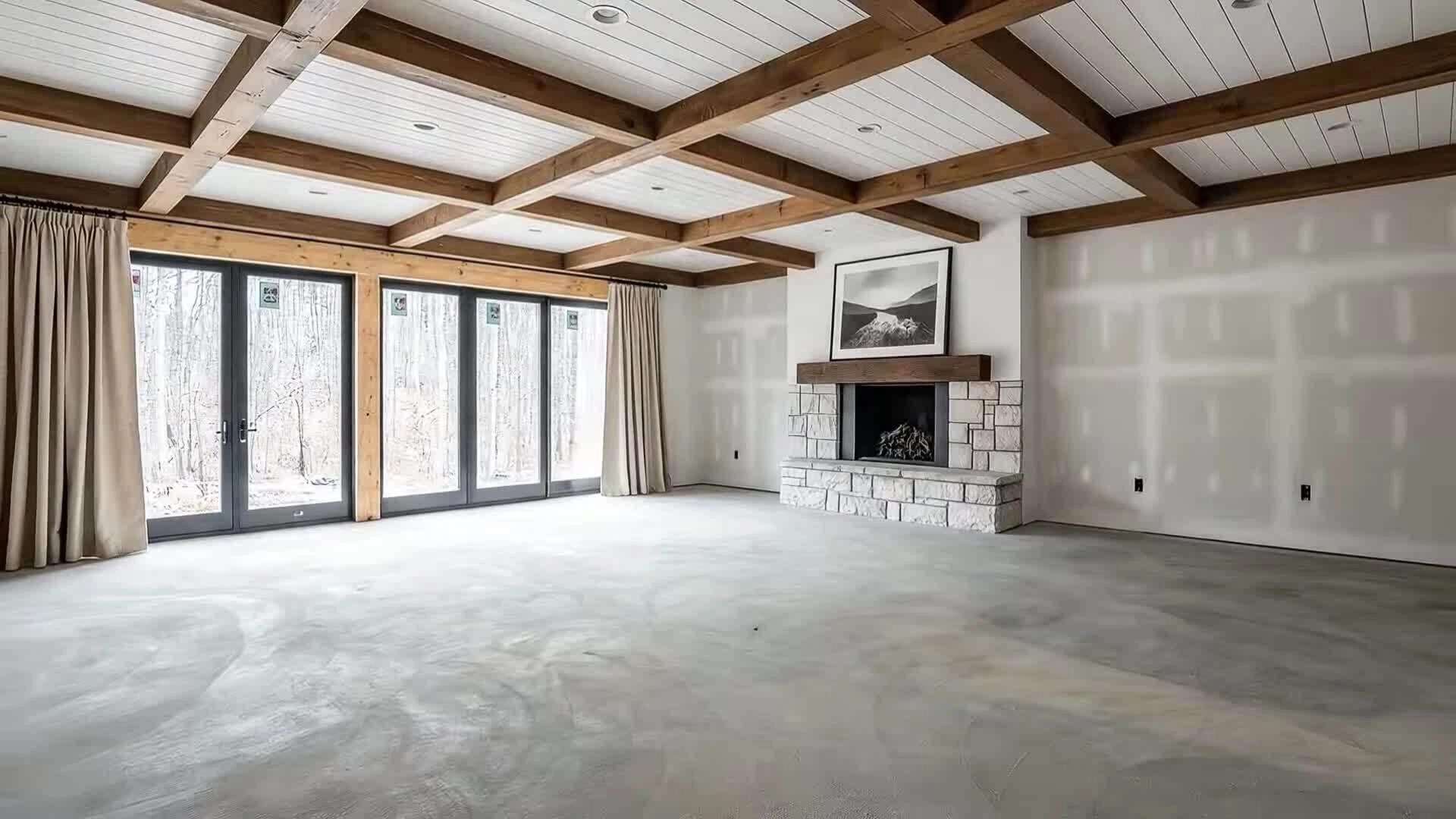
Your Design. Supercharged with AI. From sketch to presentation-ready in minutes. Exterior + interior renders Walkthrough animations Client-ready visuals
Transform sketches, plans, and blank interiors into presentation-ready renders and animations instantly. No setups, no render farms, no waiting.
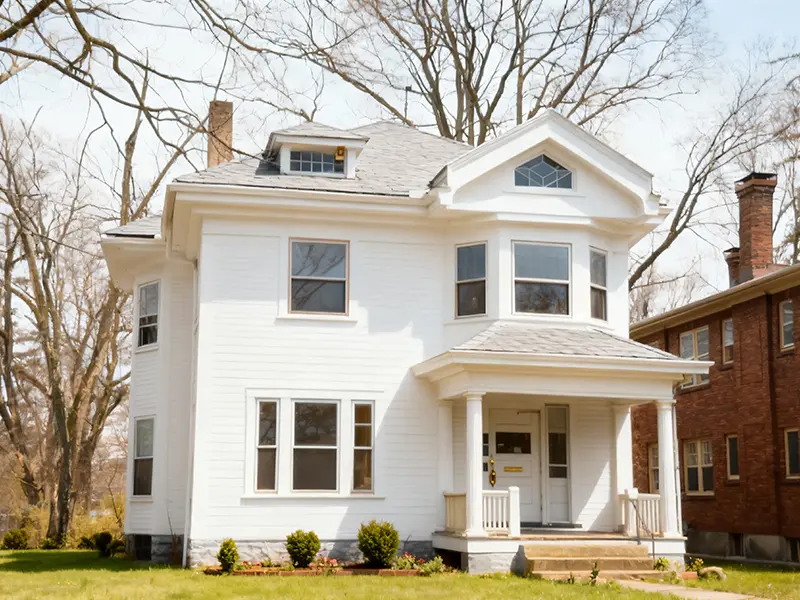
Project rendering
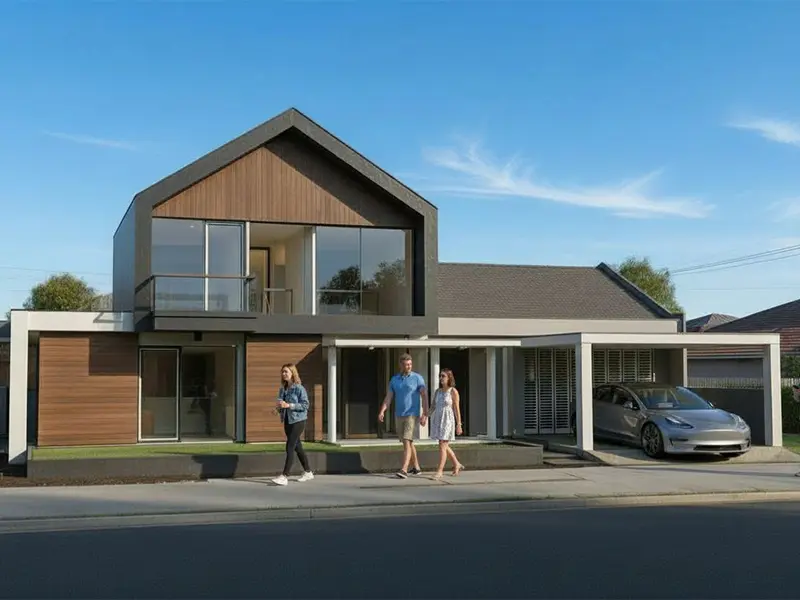
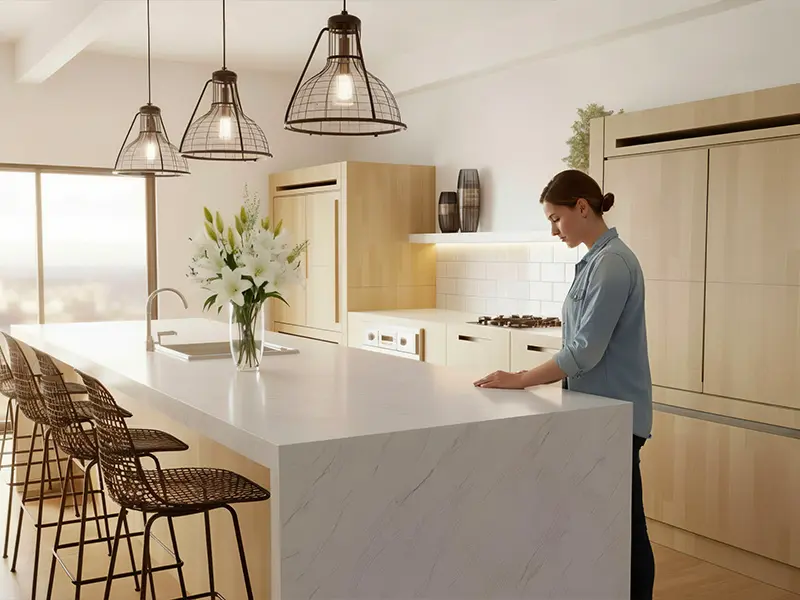
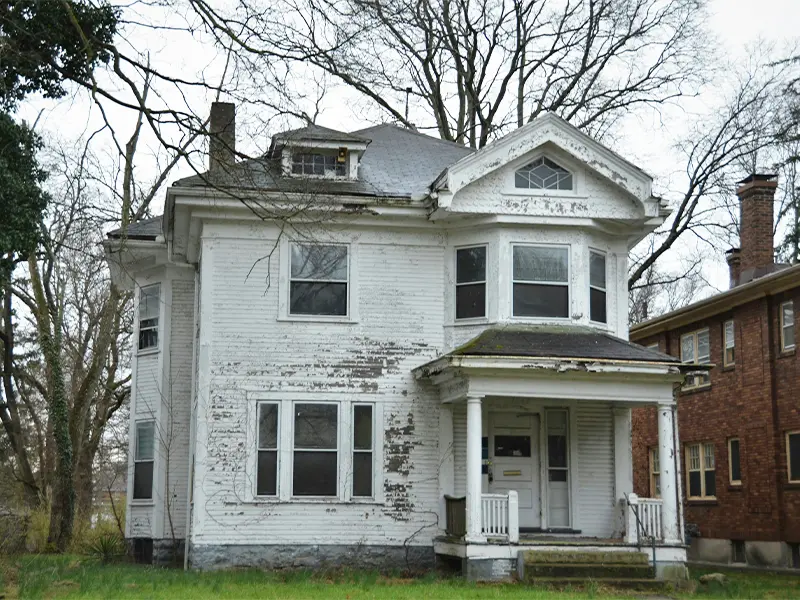
Create stunning exterior and interior renders in seconds.
Animations
Make your designs come alive without any complicated setup.
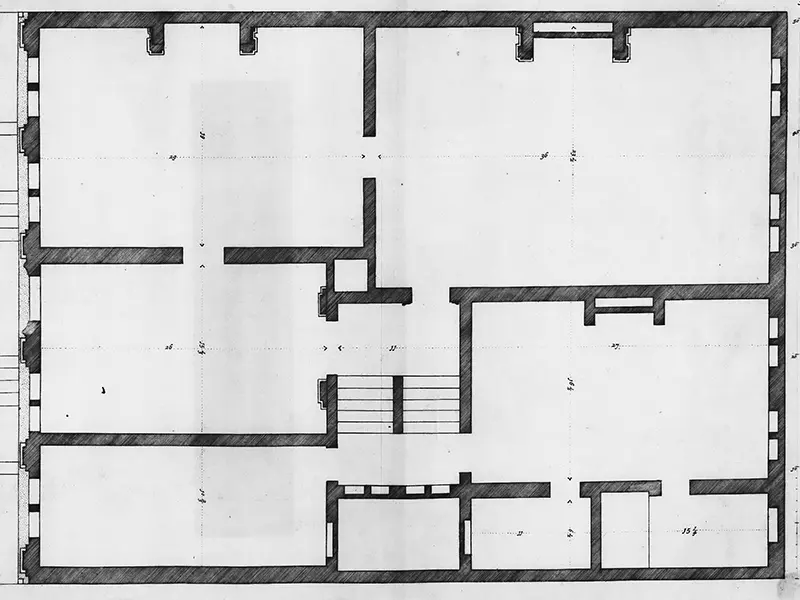
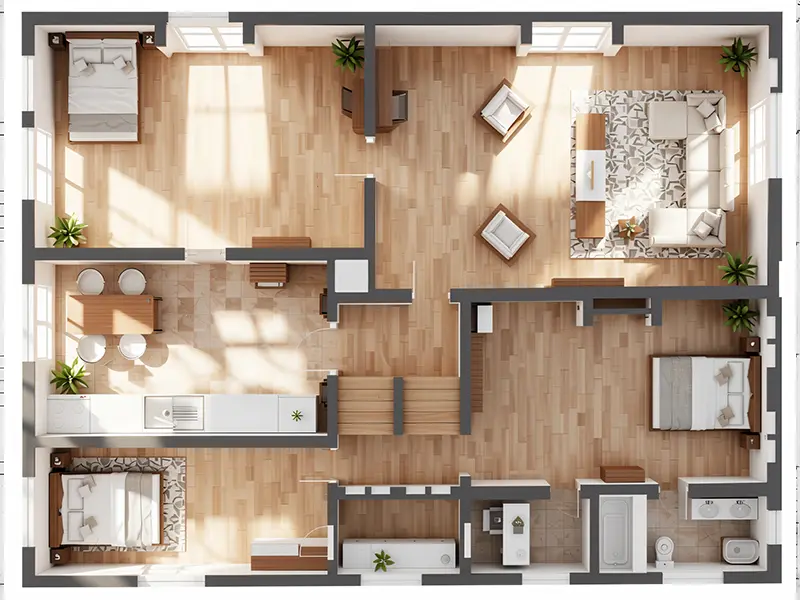
From sketch to interior
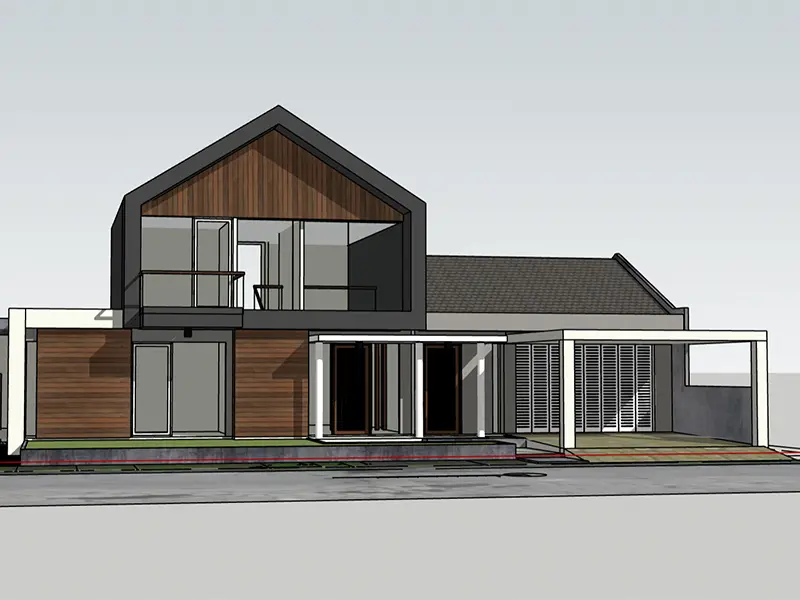
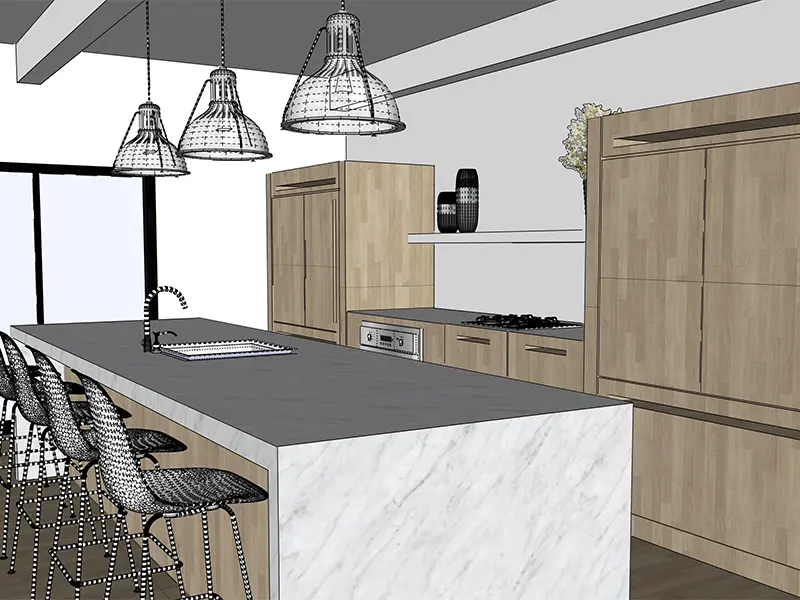
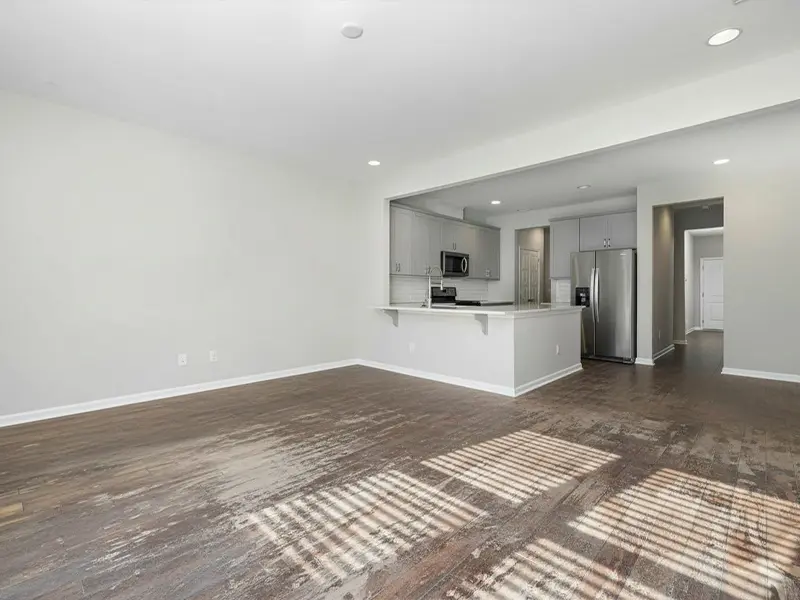
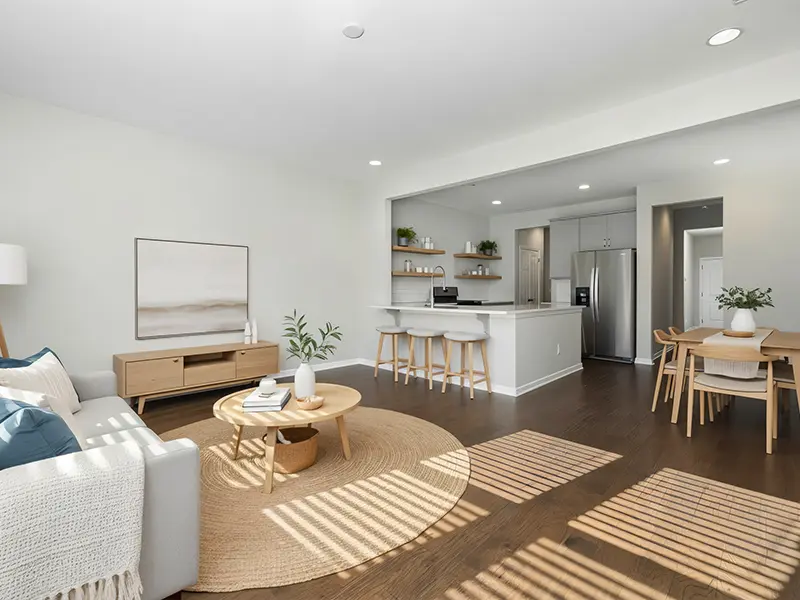
Transform sketches and plans into presentation visuals without modeling from scratch.
Lighting & mood studies
Test lighting, materials, and presentation moods instantly.
See Visugenie in action:
Trusted by hundreds of architects
Compatible with SketchUp, Revit, ArchiCAD, Rhino, Blender, 3ds Max, or any tool you use—just upload a screenshot, viewport render, section, elevation, or model view.


⚡ Results in Seconds
Rendering shouldn’t take hours. With VisuGenie, you get presentation-ready images in seconds — not overnight.
🪄 Easy, Precise Changes
Want to move a wall, add a plant, swap a material, or place custom furniture? Just describe it.
🎥 Instant Animations
Generate walkthroughs and fly-through animations without setting up cameras, lights, or timelines.
Compatible with your workflow
Upload screenshots or exports from any 3D tool and get back client-ready visuals, animations, and variations.
300+ Happy Customers in Our Beta
"We drop our Revit screenshots in and get presentation-ready renders before the client meeting. It's part of every review now."
"Sketch-to-render lets us show multiple options fast— clients sign off in days instead of weeks."
"The auto walkthroughs replace hours of camera setup and lighting tests. Great for early stakeholder buy-in."
How Visugenie works
Upload
Upload sketches, plans, or screenshots from your 3D software
Transform
Generate renders, variations, and animations with AI
Share
Export for client decks, coordination, or marketing in seconds
Frequently Asked Questions
No render farms, plug-ins, or camera setups required. Upload your inputs and let VisuGenie handle the rest.
Most outputs are ready in under 30 seconds. Longer walkthroughs can take up to 2 minutes.
Upload JPG/PNG screenshots, floor plans, elevations, sections, or model viewports from any 3D software.
Yes. Describe the materials, furniture, or custom pieces you want, and VisuGenie applies them to your scene.
Architects in the beta keep preferred pricing. Production plans remain faster and more affordable than traditional rendering.
Want a Personal Demo?
Schedule a one-on-one meeting with our team to see how our AI tools fit your design workflow and presentations.
Schedule a meeting